
Welcome to the Liberty Family! We’re excited to celebrate this journey with you.
Welcome
Celebrate Your Liberty Journey
Whether you’ve just applied, been accepted, or are supporting a future Liberty Flame, every step in the journey is worth celebrating. Download and share these graphics with friends and family as you mark this exciting milestone, show off your school spirit, and look ahead to what’s next. If you’ve been accepted, let everyone know you’re #Liberty Bound.
Be sure to use #LibertyUniversity and tag @ExperienceLU when you share – we’d love to celebrate with you! Don’t forget to follow @LibertyUniversity on Facebook, X, Instagram, and YouTube for the latest updates and campus highlights.
Share Your Story

Watch the Jenkins’ tell their story of their first visit to Liberty’s campus.
Digital Assets
Download Your Liberty Digital Swag
Customize your devices, posts, and profiles with Liberty-themed graphics.
Liberty University: Animated GIFs | Computer Backgrounds | Phone Backgrounds
ANIMATED GIFS
To download any of the LU GIFs below, click on the sticker or visit: GIPHY.com/LibertyU
Adding Liberty GIFs to Your Instagram Story
- Open Instagram and create a Story.
- Tap the Sticker icon, then select GIF.
- Search for “Liberty University,” “LibertyU,” or “Liberty Flames.”
- Select your favorite GIF and place it on your Story.
- Share your Story and tag @ExperienceLU & @LibertyUniversity
COMPUTER BACKGROUNDS
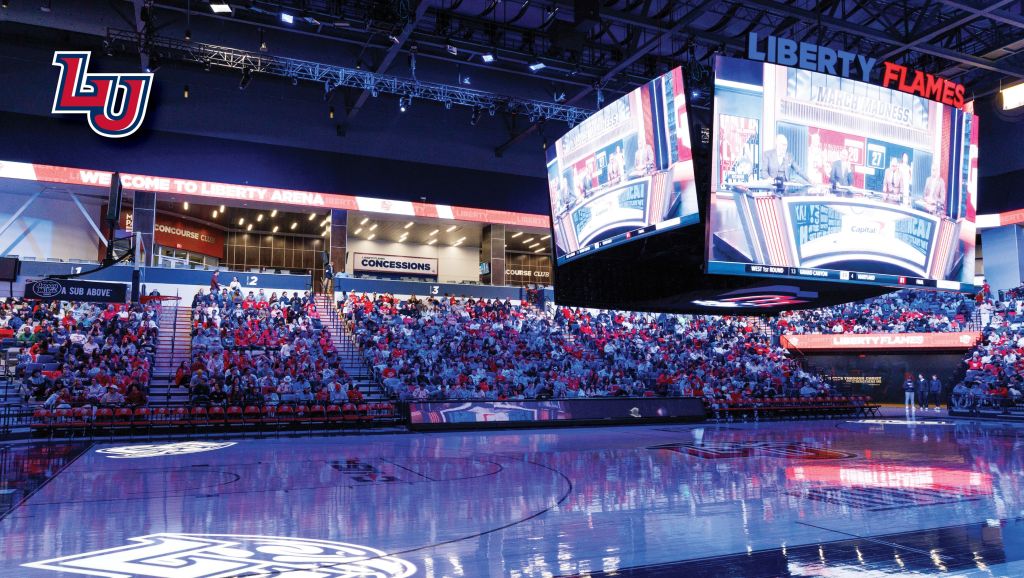
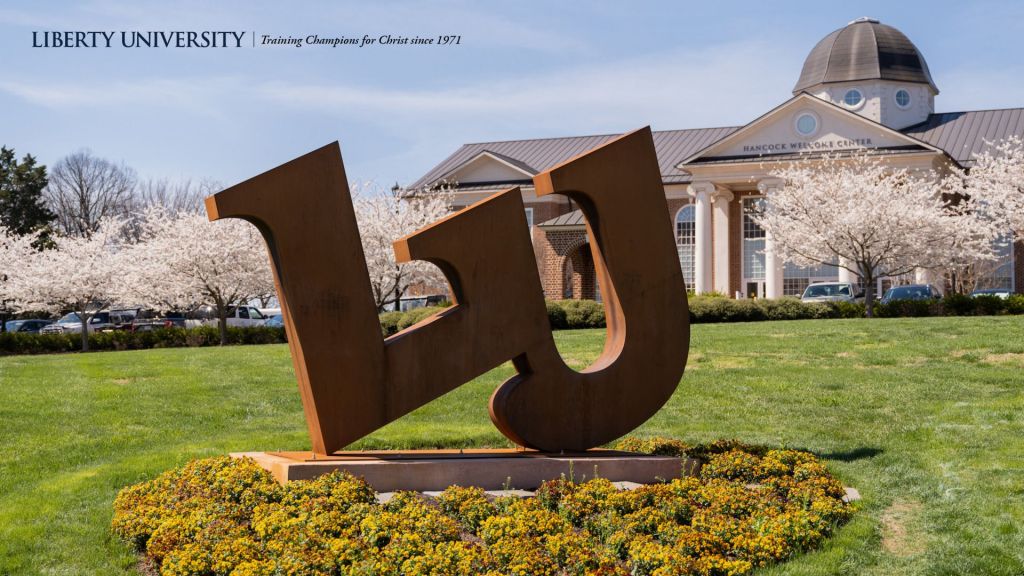
To download any of the computer backgrounds below, click on the image of the wallpaper you would like to download. On your laptop, right-click on the image and select “Save Image As…” to save it.















PHONE BACKGROUNDS
To download any of the phone backgrounds below, click on the image of the wallpaper you would like to download. To save on your phone, hold down the wallpaper and select “Save to Photos.”