Housing Selection

Select Your Housing On-Campus

Housing Selection for each academic year opens in the Res Life Portal for both new and returning students in the Spring. Expand the fields below to view specific dates. For more information on eligibility for living on campus, please visit our Housing Eligibility webpage. For assistance navigating the selection process in the Res Life Portal, view our On-Campus Housing Selection tutorial (PDF | video). If you would like to set up your roommate group prior to selecting housing, view our Roommate Selection tutorial (PDF).

Once you have completed Housing Selection, you may view your current housing assignment and roommate(s) under ‘View Room Details’ in the Res Life Portal. If you need to make a change, learn more about our Room Change and Room Swap requests. Or, to find out more about our residence halls, visit the links below for each area of campus. Want to see more? Check out our Instagram page for highlight videos of all of the residence halls and room options!

New Student Dates
Returning Student Dates

Roommate Selection FAQ

How do I find a roommate match?

In your Res Life Portal, click on the link titled ‘Roommate Search for Fall’. You will then be able to search for your roommate by their LU email address or name. The student you are requesting will also need to click on the link to make themselves searchable or they will not be able to be requested. We no longer have a roommate profile questionnaire to fill out to match with other students. We have found that most students will find a roommate in person or via social media, so our system is now set up to only find a specific student you already want to live with.

Why am I unable to find my roommate when searching in the Res Life Portal?

All students must log in to the Res Life Portal and confirm their housing preferences for the applicable academic year. Once your desired roommate confirms their preferences for that academic year, they will be visible in the roommate search tool. If you can’t find your preferred roommate in the search results, try having them log in to search for you instead.

How do I assign someone in my Roommate Group to my room?

Once you have created a Roommate Group, and your roommate request has been confirmed by the other person, you can assign each other to an available room when Housing Selection officially opens. When you have found a room with enough beds for your Roommate Group, you will assign yourself first and then assign each roommate using the Housing Selection tool in the Res Life Portal. For more information on this process, view our Housing Selection tutorial.

What do I do when prompted that my preferred roommate is ‘not assignable?’

If you receive a notice that your roommate is not assignable because their classification does not match your own (typically, new students vs. returning students), you will need to contact the Office of Residence Life by phone or email to have your roommate manually assigned to your room.

When am I able to assign a roommate from my Roommate Group?

New students can assign their Roommate Group to their room as soon as all students have completed Financial Check-In. Returning students can assign their Roommate Group to their room when their class is able to select housing (view dates above), even if the other students in the group cannot yet select their housing.

Will people in my Roommate Group be automatically assigned to my room?

Students in a Roommate Group are not automatically assigned to a room together. In order to be assigned to a room together, one of two things must occur:

  • One member of a confirmed Roommate Group can assign all students to a room using the Housing Selection tool.
  • Students can individually select the same room on their own using the Housing Selection tool.

Creating a Roommate Group allows group members to be able to assign everyone; it does not guarantee that everyone will be in the same room. When Housing Selection opens, be sure to secure an assignment for members of your group. If you have any issues, view our tutorials or contact us for assistance.

Can I assign roommates to other rooms in my apartment on East Campus or the Quads?

Roommate Group functionality allows students to form larger groups, if desired–students can assign members of their Roommate Group to other rooms in their apartment using the same process as assigning a roommate to their own room. If you choose to do this, make sure to check with the other students in your group to ensure their room assignment matches their housing tier from Financial Check-In, as some rooms may be in a different budget (e.g., double vs. triple rooms on East Campus).

Do I have to assign all confirmed roommates in my group to a room?

Students can accept as many roommate requests as they would like. Students are not required to assign anyone from their Roommate Group, or they can assign one or more students to their room as desired. If you are selecting housing on East Campus or the Quads, you may also assign students in your Roommate Group to other open beds in the same apartment.

Apply to Live Off-Campus

For all the details on off-campus living and eligibility, please visit our Housing Eligibility webpage. After reviewing eligibility details, you may submit an off-campus application in the Housing Selection section of the Res Life Portal. If you meet the necessary qualifications, your application will be automatically approved. If you do not meet the qualifications, it will be automatically appealed to the Director of Housing for review. Please note that students are only allowed to submit one off-campus request per semester, so be sure to include all relevant details in your application. Applications will be available in the Res Life Portal on the following dates for each semester:

  • Fall 2025: Open Now
  • Spring 2026: Opens September 1st

If you need assistance, view our Off-Campus Application tutorial (PDF | video), or contact our office with questions!


Room Renewals

Room Renewals give you the opportunity to keep your current room for the 2026-2027 academic year! Room Renewal requests are currently closed and will open on December 1st.

Please note that some of our rooms are reserved for specific uses. Such as hall leadership, academic communities, and athletic teams and may not be available for Room Renewal request.

For questions and answers, see our Room Renewal Q&A


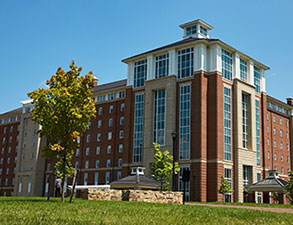
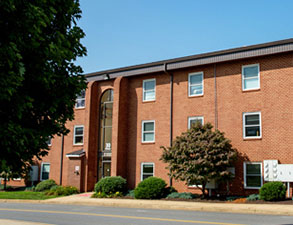
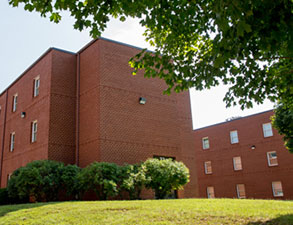
Residence Halls

Residential Commons

Residential Commons (001, 002, 003, & 004)

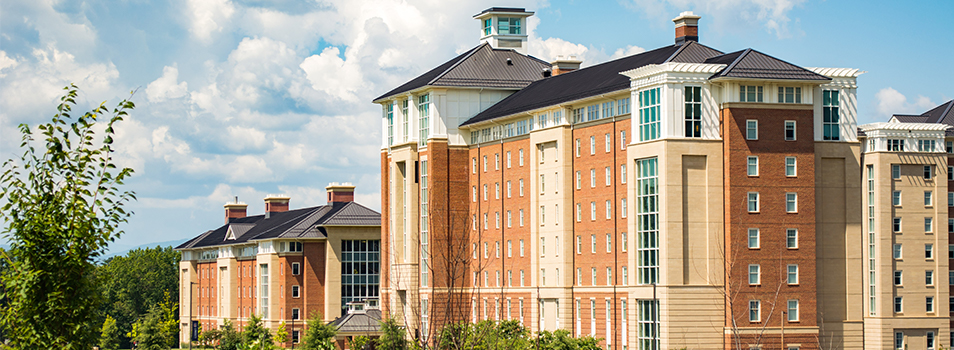
  • Housing with two-person rooms, private baths
The Hill

The Hill (017-023)

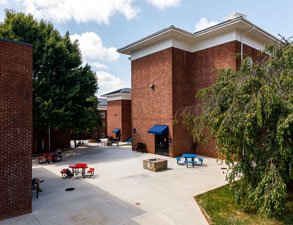
  • Traditional residence hall community

East Campus

East Campus (140-194)

  • Premier apartment-style housing location

The Quads

The Quads (029-032)

  • Two-person rooms in apartment-style suites

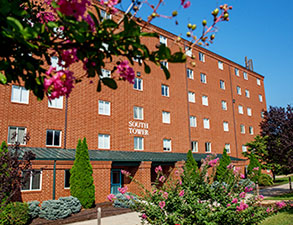
South Tower

South Tower (033)

  • Traditional residence hall community

The Circle

The Circle (025-028)

  • Traditional residence hall community

Residential Annex

Residential Annex (A-D)

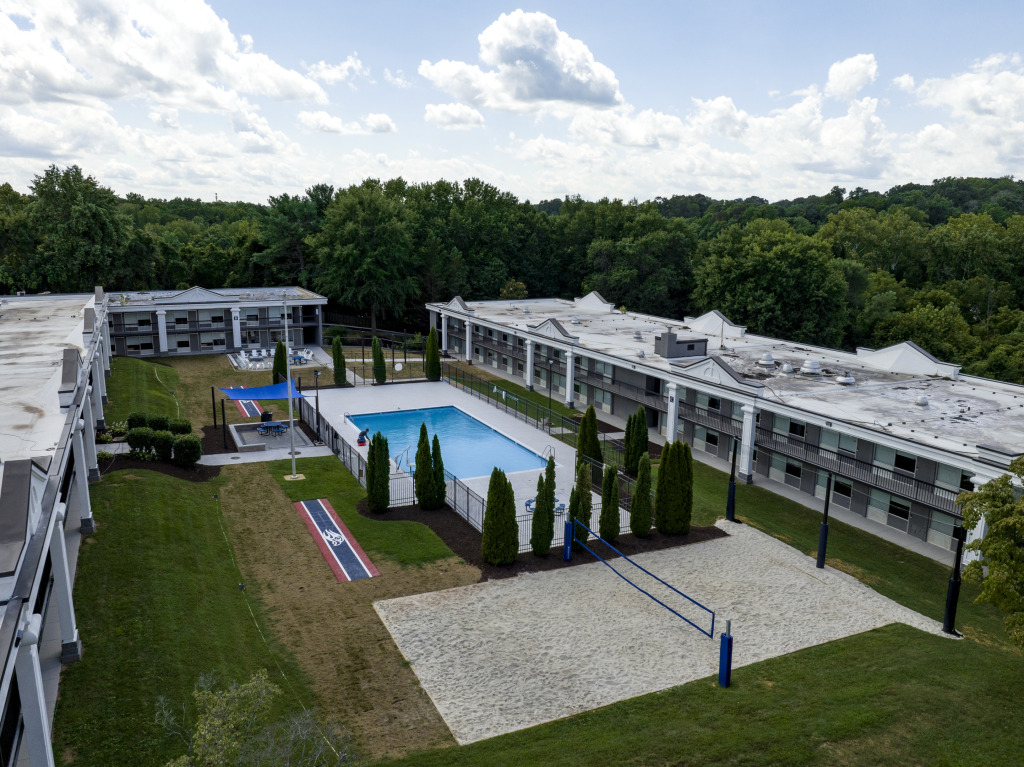
  • Hotel-style living with two person rooms, private baths
Chat Live Chat Live Request Info Request Info Apply Now Apply Now Visit Liberty Visit Liberty